Ten layouts, one key each
You on top, split, a bubble in the corner, a card, picture-in-picture and more. Each glides into place, and you can save your own.
Free · No sign-up · Nothing uploaded
Movzora puts your camera beside the video you are reacting to, in the layout you choose, and saves an MP4 that is ready for TikTok, Shorts and Reels.
Nothing to install. Works best in Chrome on a computer.
How it works
Paste a TikTok, Instagram, Facebook or X link and Movzora fetches the video for you. On a computer, a YouTube link plays inside the studio too. Or open a file from your device.
Pick one of ten layouts, or drag the frames wherever you like. Switch layout with a key press, even mid-take.
The finished MP4 is saved straight to your device. Trim it, crop it or make it smaller before you post.
Features
You on top, split, a bubble in the corner, a card, picture-in-picture and more. Each glides into place, and you can save your own.
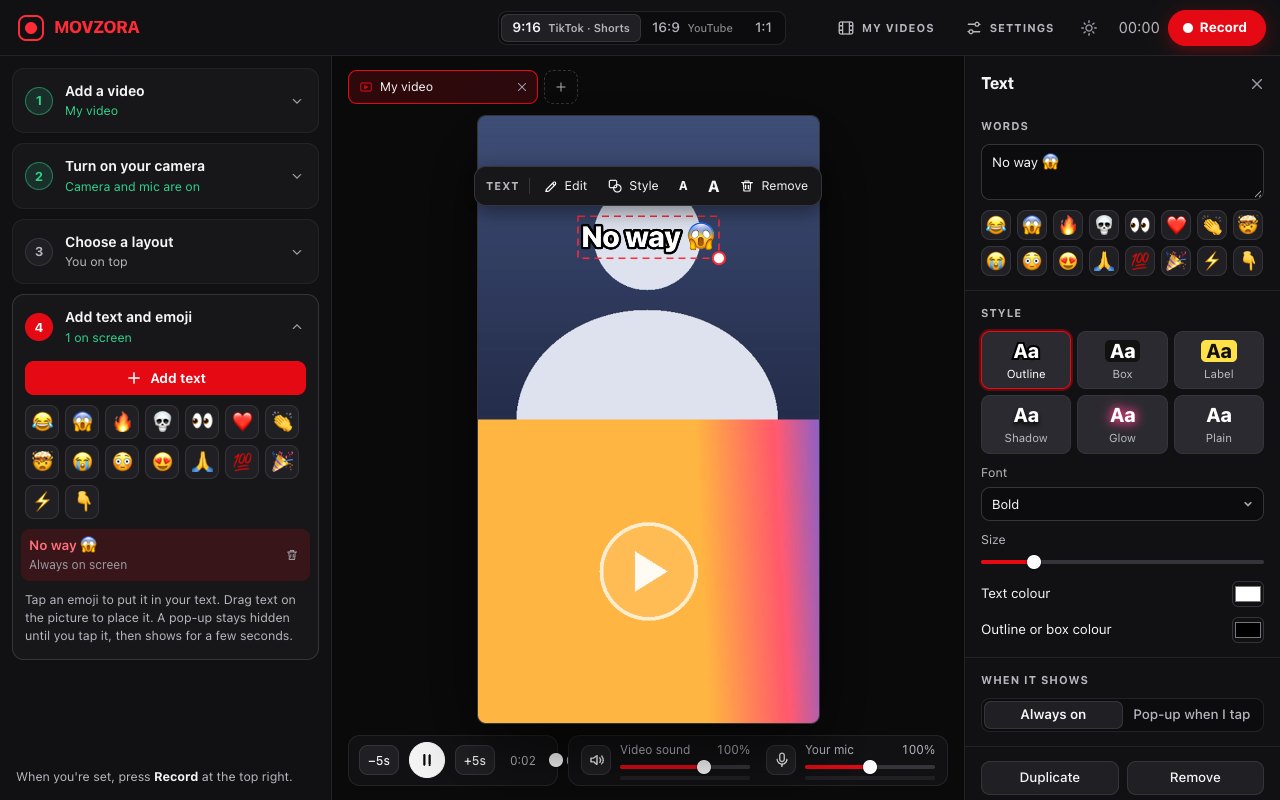
Six text styles, six fonts, and emoji that go right into your words. Make a text a pop-up and fire it with one tap while you record.
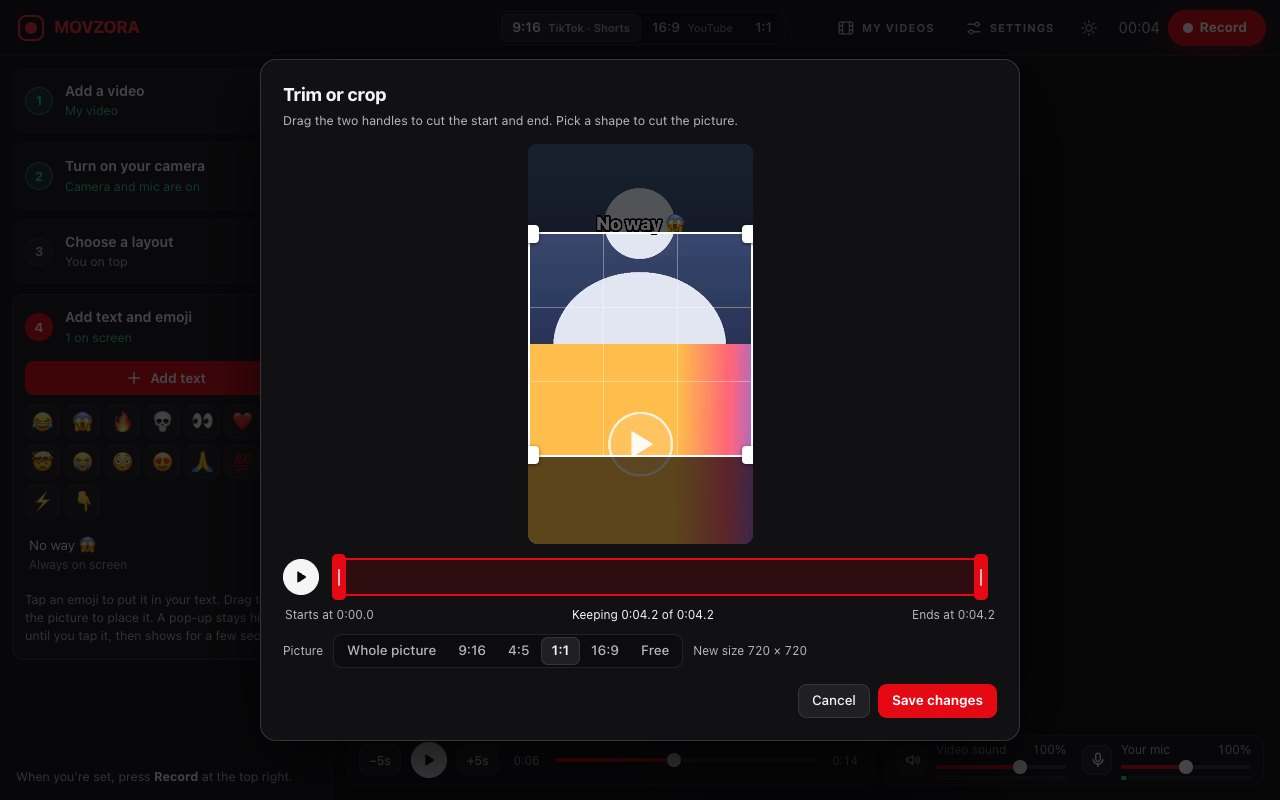
Cut the start and the end, crop to 9:16, 4:5, 1:1 or 16:9, or make the file smaller. It all happens in your browser, and the sound is never re-made.
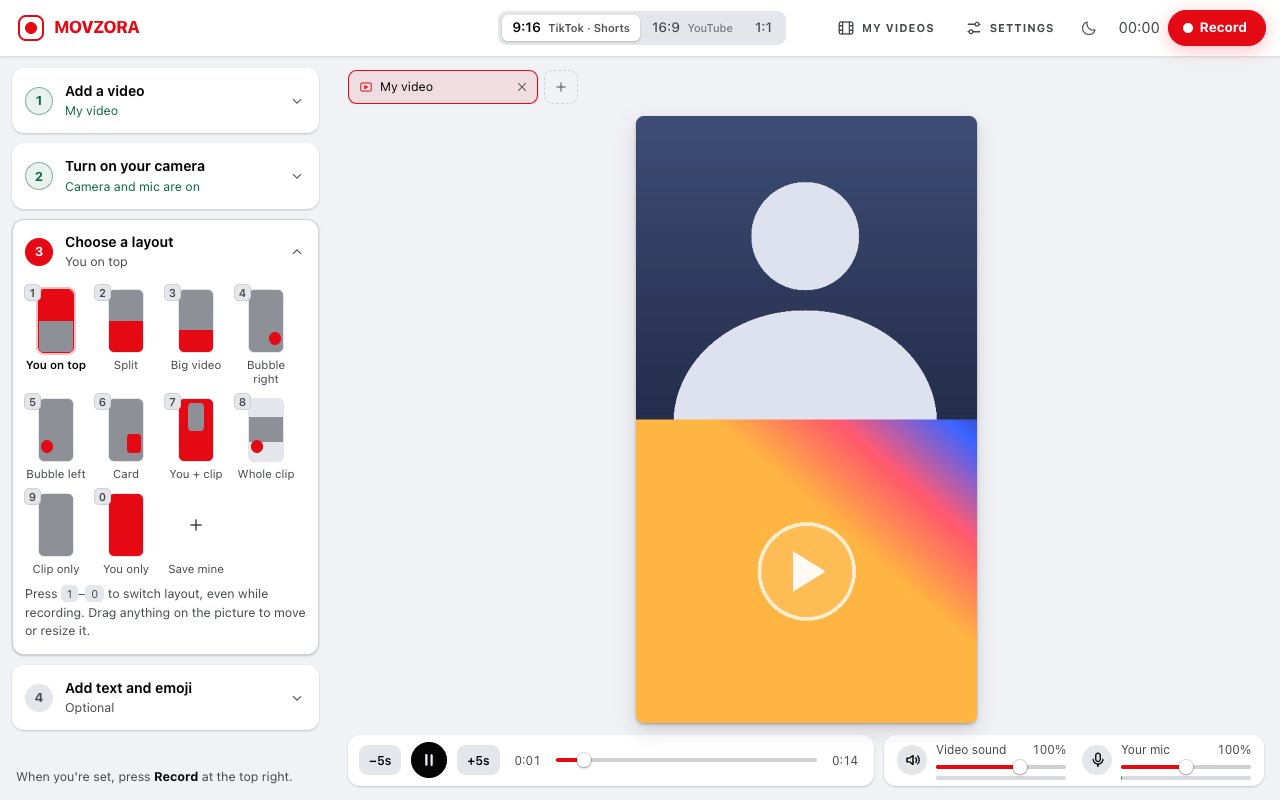
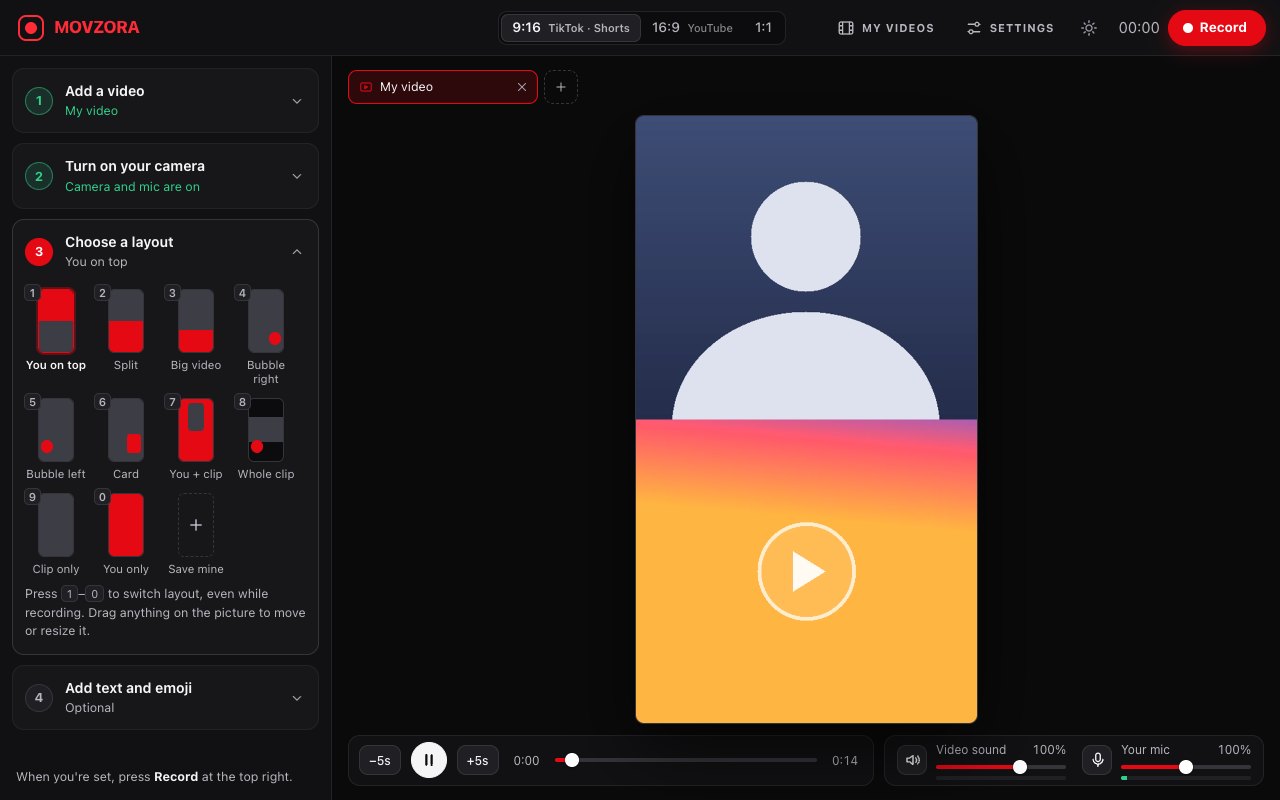
A studio that looks right at midnight and at noon. Drag the handle to compare, or let Movzora follow your device.
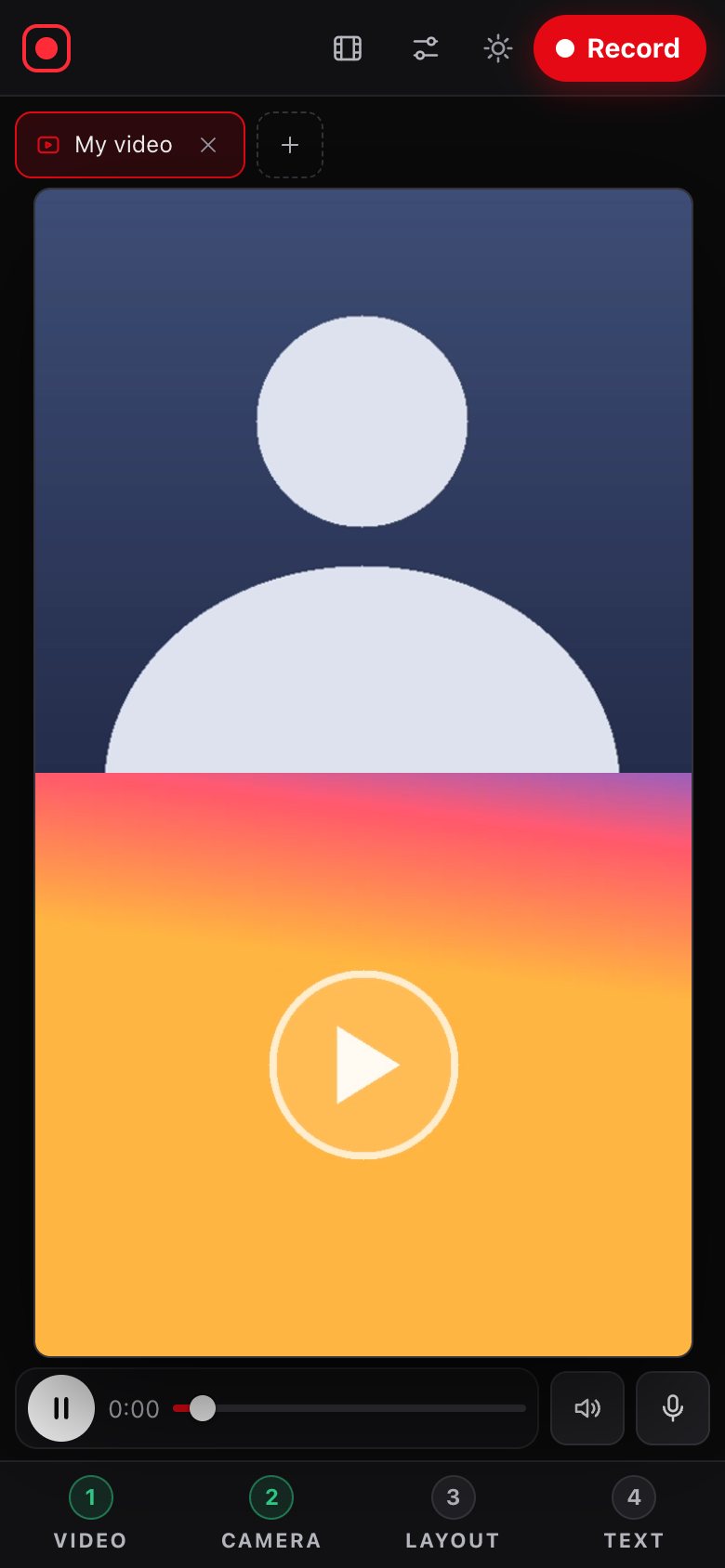
The steps become a bar along the bottom and the picture takes the rest. On a phone, paste a TikTok, Instagram, Facebook or X link, or react to a video file from your device.
Keep up to six videos ready and switch between them in the middle of a take. Each one keeps its place.
Privacy
Movzora does its work inside your browser. There is no account to make and nothing is uploaded. The site only counts visits, anonymously and without cookies.
Questions
Yes. There is nothing to pay, no account and no watermark on your videos.
No. Movzora is a web page. Open the studio, allow the camera when your browser asks, and start.
Chrome on a computer gives the best result and saves MP4 files. If your browser cannot do something, Movzora tells you up front instead of failing halfway.
Wherever you say. You can name the video first. On a computer, save it to your Downloads folder or pick any folder. On a phone, save it with your photos or send it to an app from the share sheet. No copy is kept anywhere else.
Paste a link and Movzora fetches the video and opens it in the studio, on a phone or a computer. That works for TikTok, Instagram, Facebook and X. YouTube does not allow fetching, so on a computer Movzora shows YouTube's own player inside the studio and records it from there; on a phone, save the video and open it. You can also open any video file. You are responsible for having the right to use the video and for following the rules of the site you post to.
Movzora writes a normal, upright MP4 in the shape you pick. A 9:16 video under the length limit is what the short-video apps expect.
Open the studio and make your first take in under a minute.
Open the studio